
Password Update if Expired
Go to the following page with any search engine:
https://password.eagleprojects.it/RDWeb/Pages/en-US/login.aspx?ReturnUrl=/RDWeb/Pages/en-US/Default.aspx
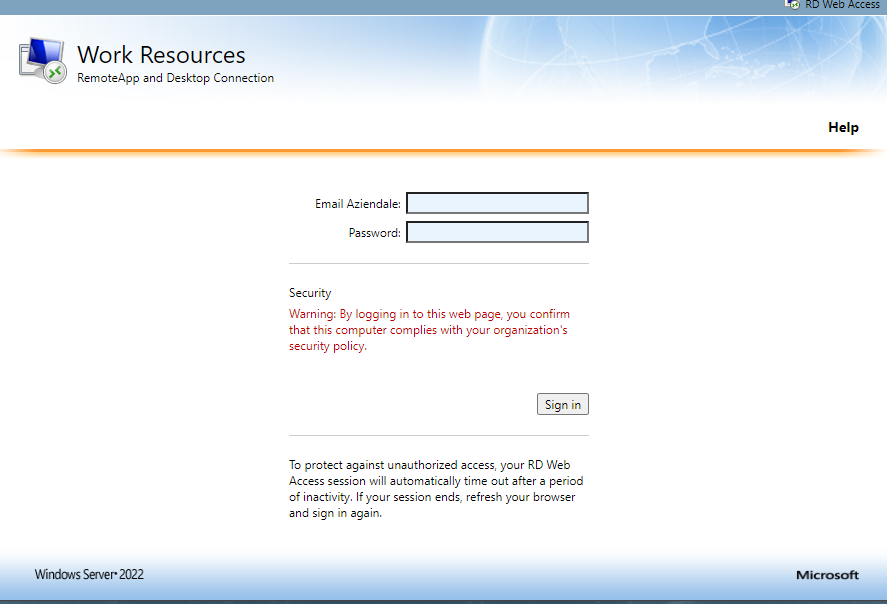
- Enter your email address and the last password used.
(Can’t remember it? Open a ticket at helpdesk@eagleprojects.it)
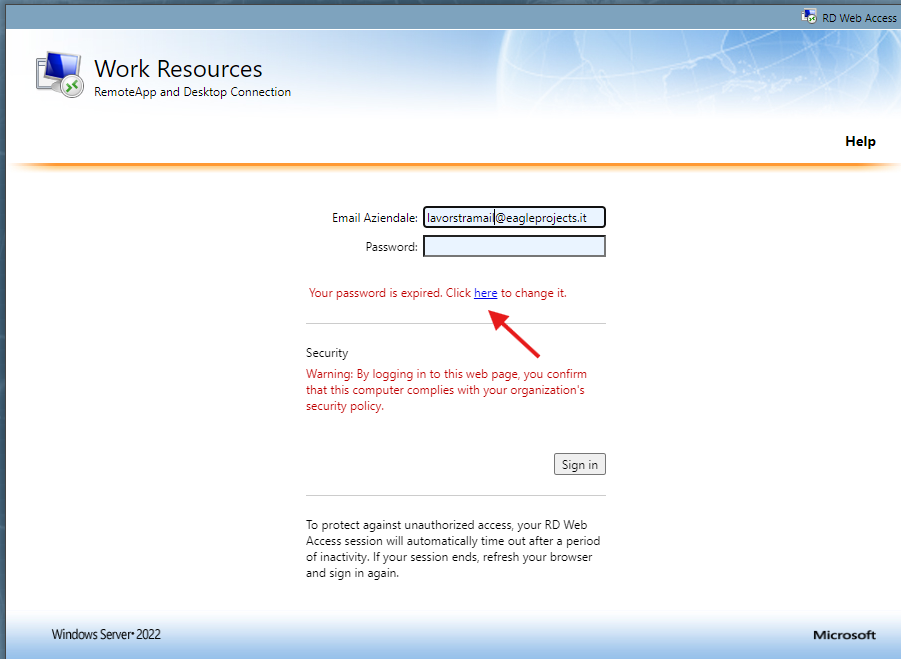
- You will see the following screen:
-
Click on “HERE” and proceed with entering the new password.
Make sure to enter your corporate email and current password (do not let it auto-fill automatically).
Once you have entered the password twice, click OK. If the process is successful, you will receive a confirmation message that the password has been changed.
No Comments