
NetBox Device Registration Guide
Accessing NetBox
Go to the NetBox platform at: https://netbox.eagleprojects.cloud
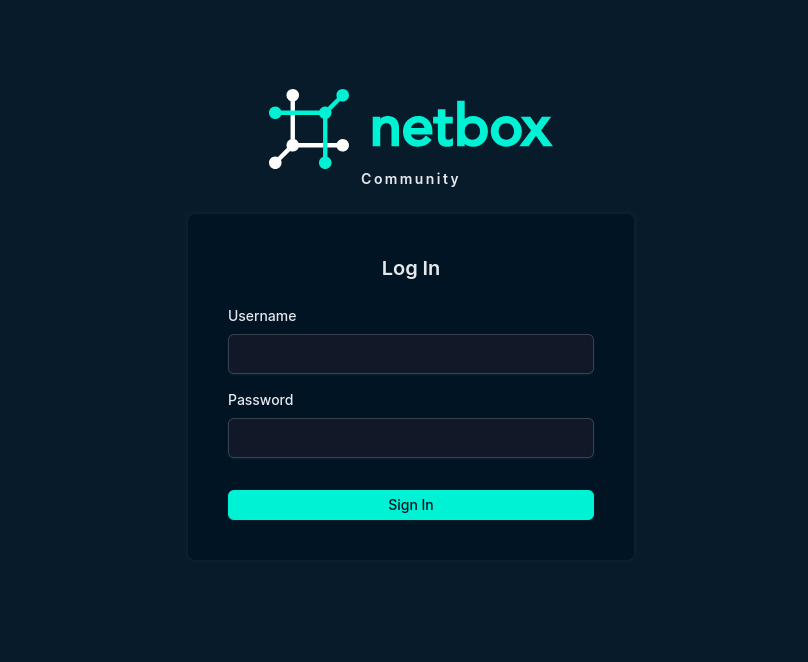
If you have not the credentials, open a ticket about it. Once you are logged in you should see the main page of netbox.
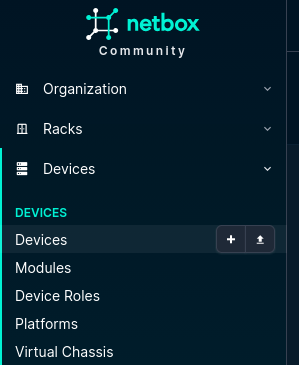
The dashboard will open, displaying all registered devices.
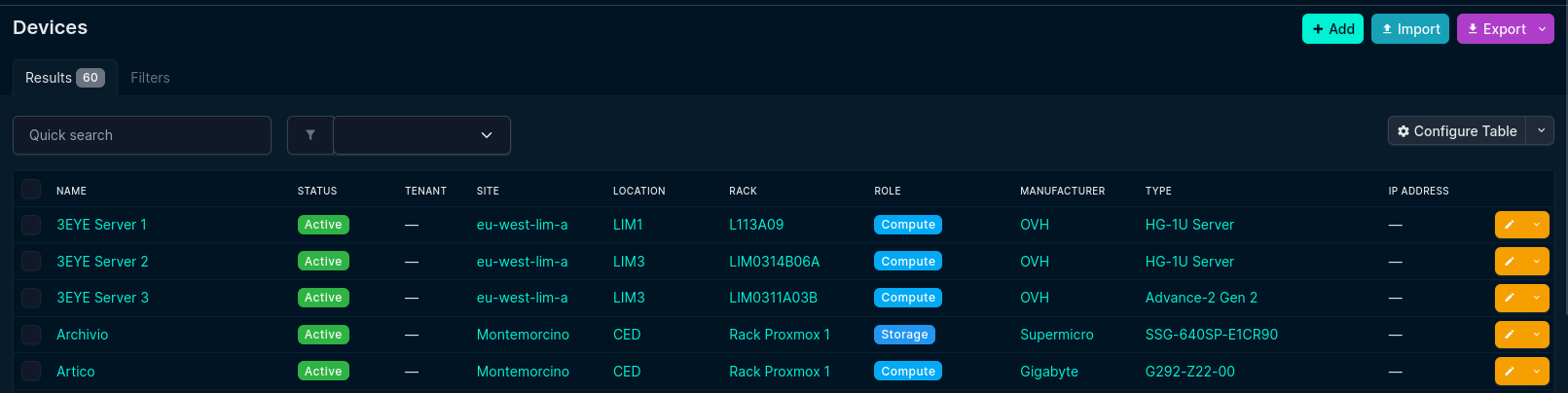
Adding a New Device
Click +Add.

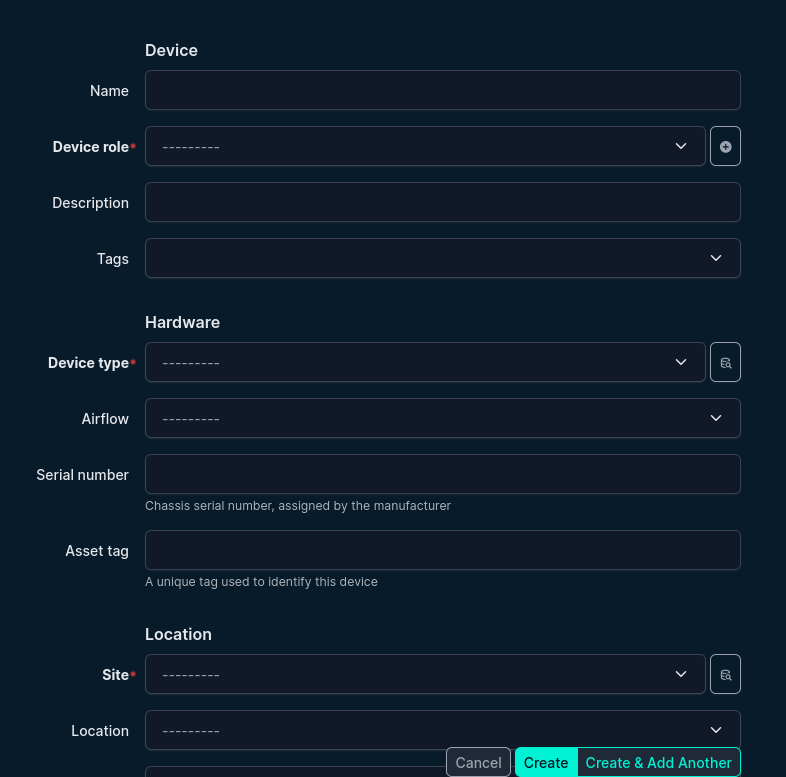
Fill in the device information:
-
-
Name: The name of the device (e.g.,
EP-P303) -
Role: The device role:
-
Laptop →
Portable -
Server →
Compute
-
-
Description: The owner's username (e.g.,
nsurname) -
Tag:
IT Support -
Device Type: The model of the device (e.g.,
ThinkPad E16 Gen 2) -
Serial Number: The device's serial number
-
Device-Specific Inputs
-
Laptop:
-
Site: The office location of the device
-
-
Server:
-
Site: The physical location of the server
-
Location, Rack, Position: Fill in if available
-
Cluster: Specify which cluster the server belongs to, if applicable
-
Additional Information
-
Specify if the device is managed under Ansible.
-
Provide the MAC LAN and MAC WiFi addresses of the device (if it has).
-
Leave all other fields at their default values unless specific cases require changes.