
How to create connection to Eagleprojects HQ
- Go at https://eaglehq.eagleprojects.it/
- Insert your username and password (Username is name surname as example - Password is your email password
3. if everything is ok, you will have to scan a qr code on your smartphone.
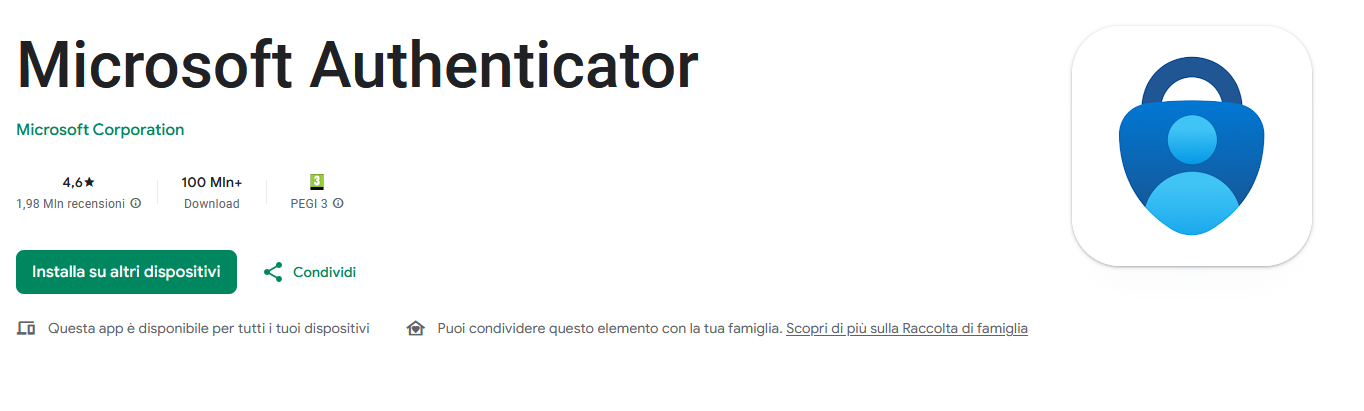
download the microsoft authenticator app from your store on your smartphone
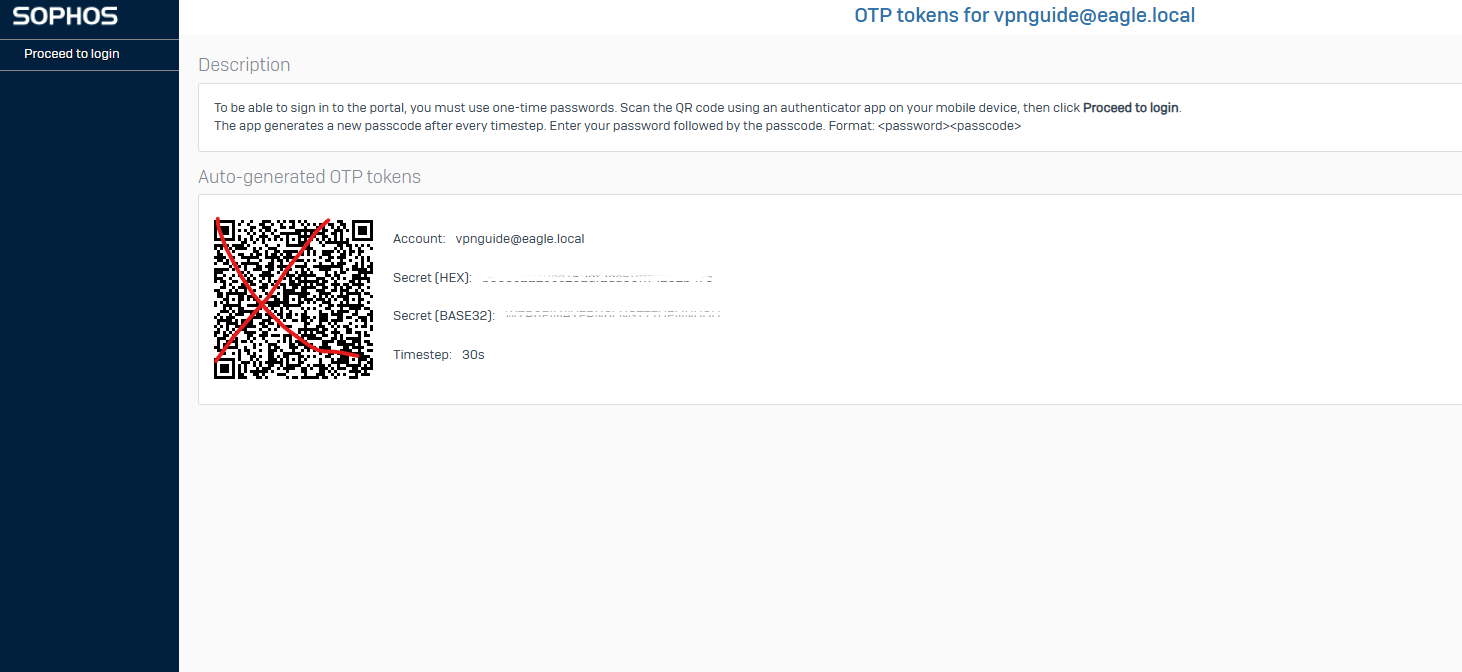
4. after this, click on proceed to login at the top left and insert in the login field again your username
and in the password field enter your password plus the numbers you see displayed in the authentication app.
5. If everything is ok you will find a page like the following where you will download the sophos configuration
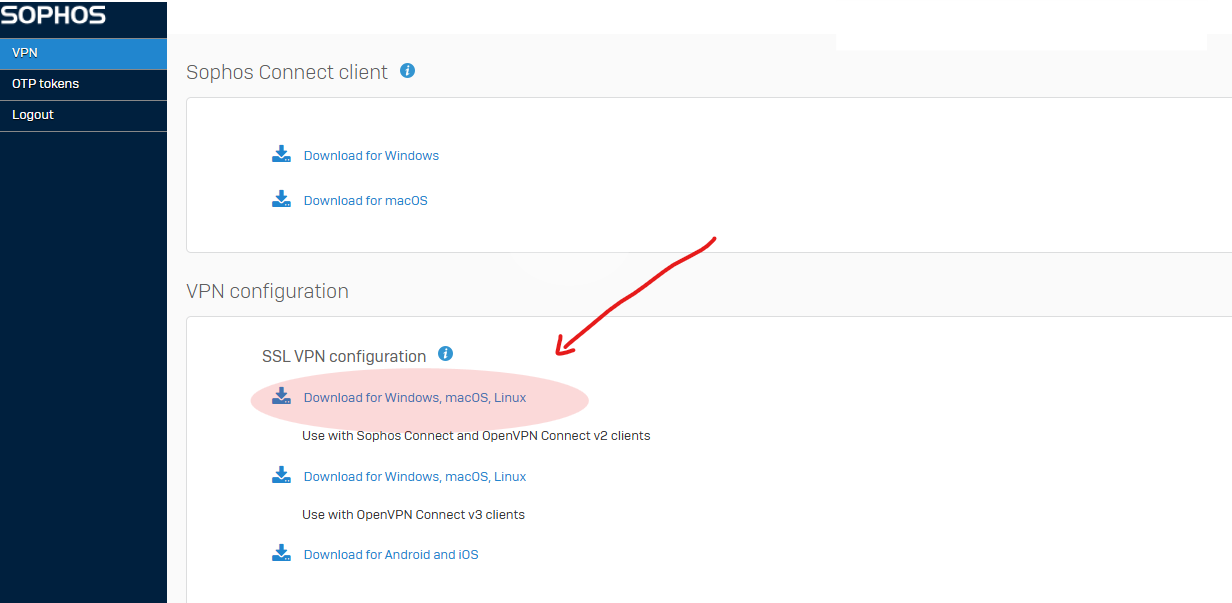
6. After this click and open the file configuration that you just downloaded and... and that's it!
7. Now click the VPN icon and enter your credentials with password and OTP
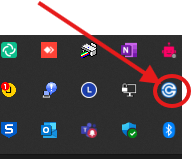
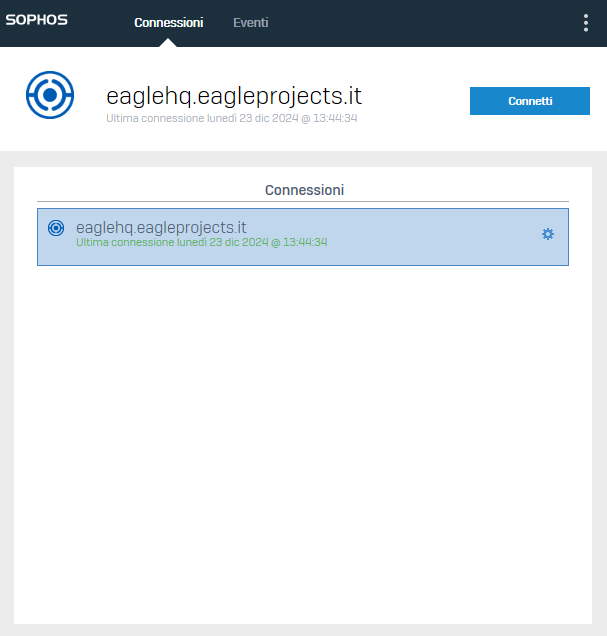
8. If everything went well you will find the screen like this
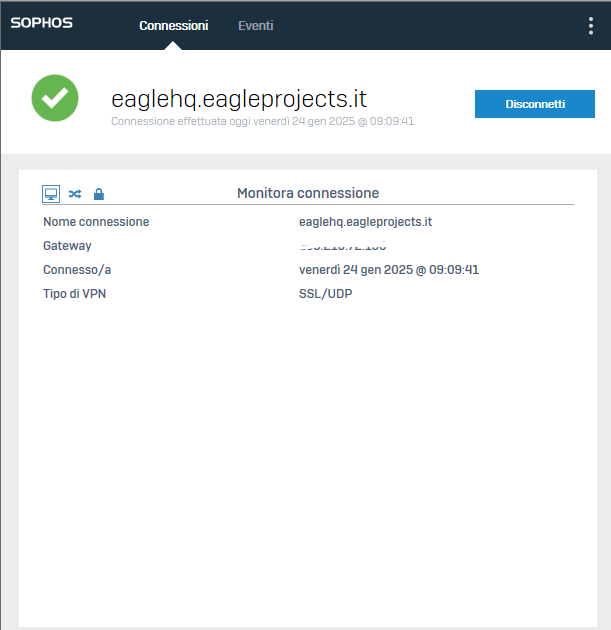
for any problem we invite you to open a ticket at helpdesk@eagleprojects.it with your anydesk id
all this information like username password is highly personal, do not disclose it to anyone!
No Comments